
JGWS Media Optimizer – a lightweight, local image converter for WordPress
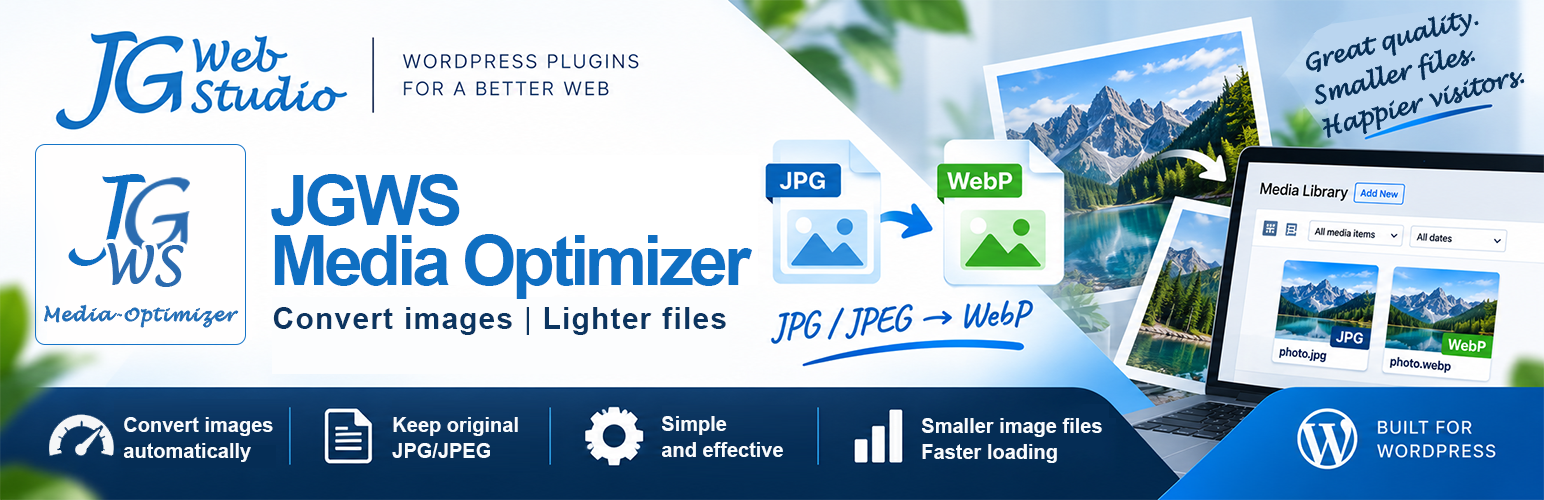
JGWS Media Optimizer is a lightweight, local image converter for WordPress that supports WebP and AVIF – with no external API, no external image optimization services, no credits, and no processing limits.
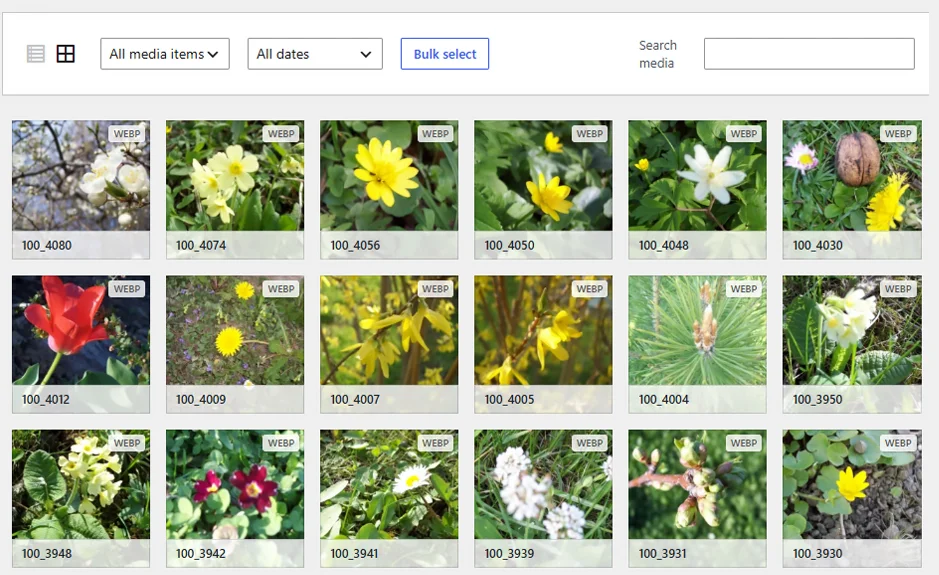
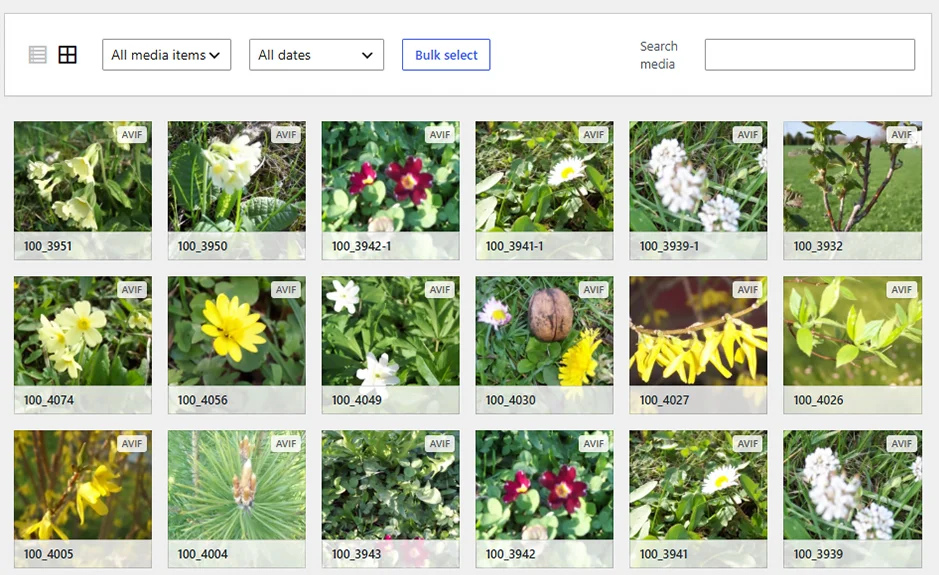
Automatyczna konwersja JPG/JPEG i PNG → WebP i AVIF + oznaczenia plików WEBP, JPG, PNG i AVIF w Bibliotece Mediów.
JGWS Media Optimizer performs image conversion directly on your WordPress site. You don't need to upload your images to an external service or use a credit-based system or processing limits.
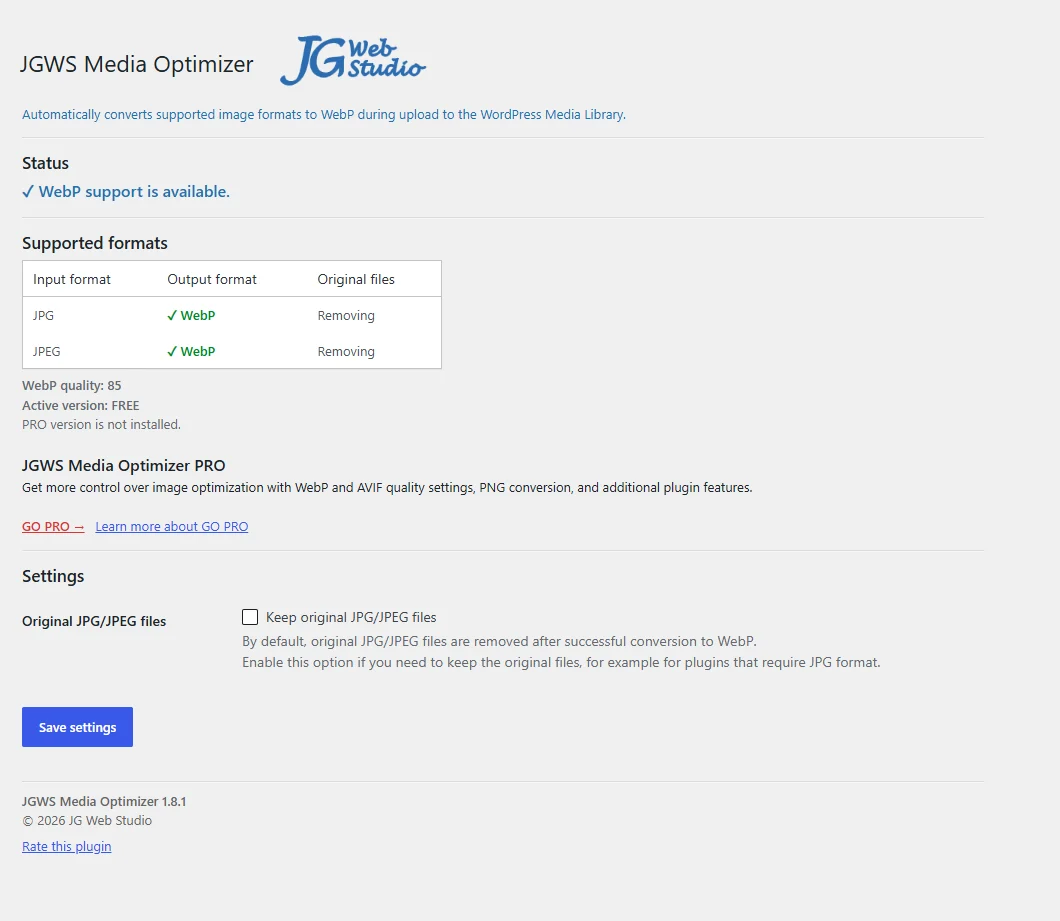
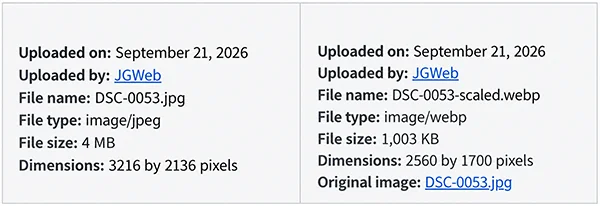
You decide what happens to the original files in the Media Library. You can keep the original JPG/JPEG files, and the plugin makes it easy to identify the format of each file.
JGWS Media Optimizer FREE
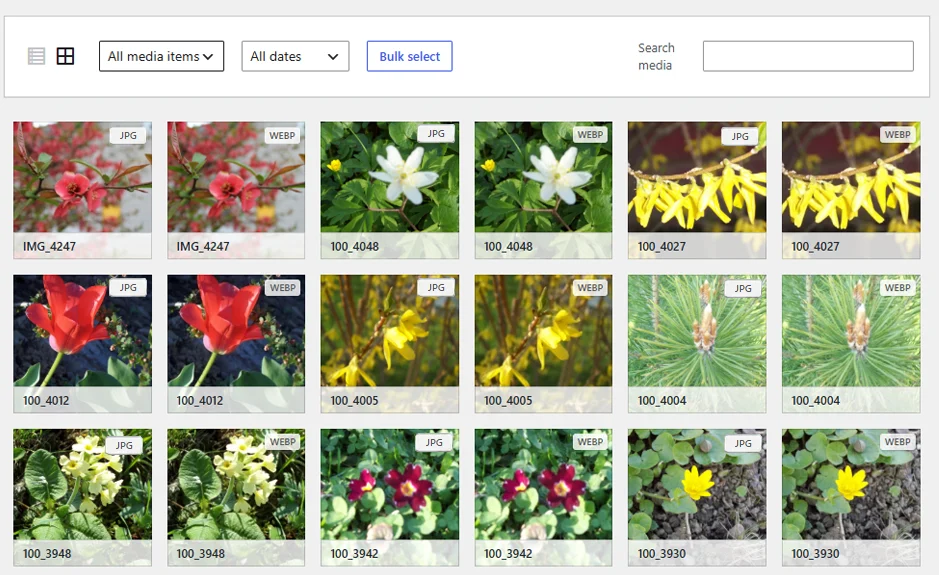
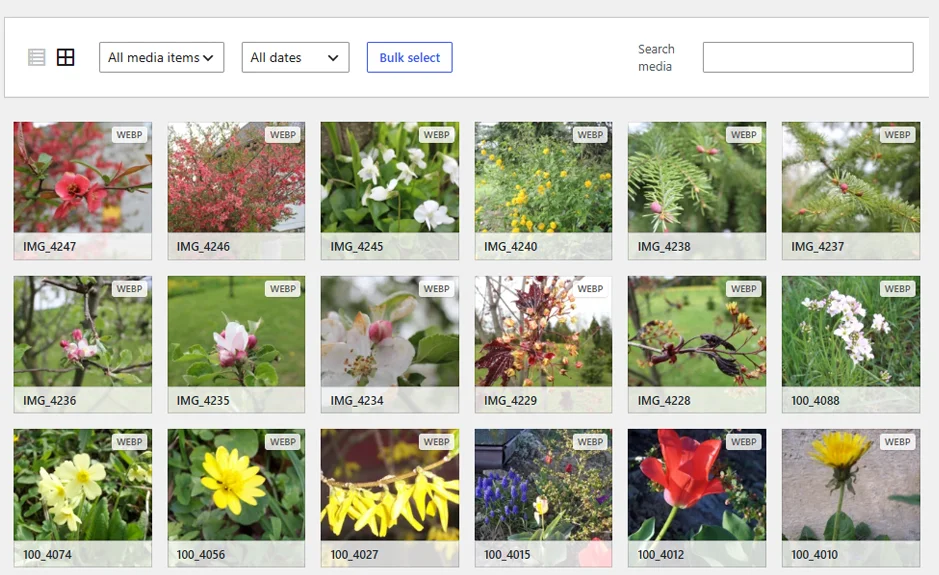
Simple automatic JPG and JPEG → WebP conversion plus WEBP, JPG, and PNG file labels in the Media Library.
Why WebP?
Smaller image files can mean:
- faster page loading,
- lower bandwidth usage,
- less storage space used on the server,
- a better user experience.
Key features:
- JPG → WebP
- JPEG → WebP
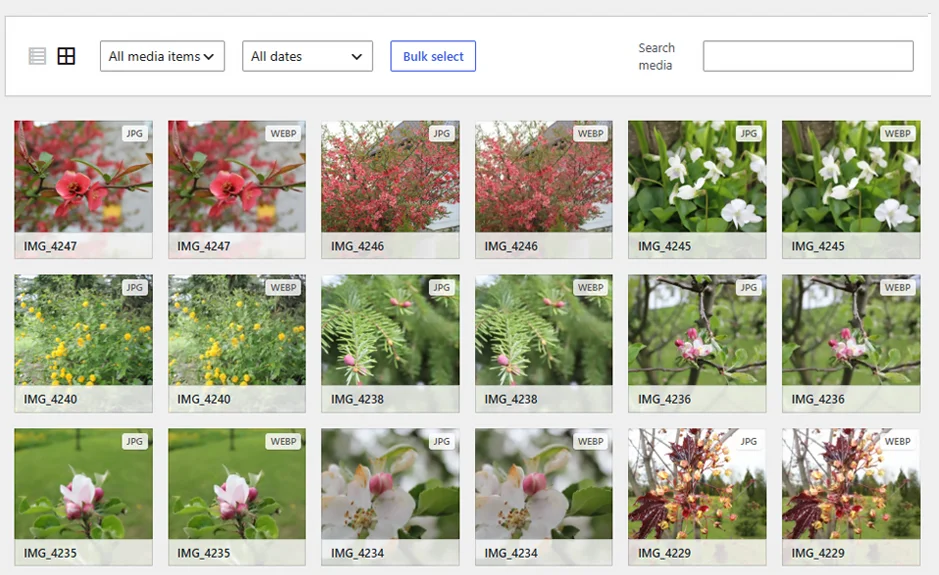
- labels for WebP, JPG, and PNG file thumbnails in the WordPress Media Library
- fixed WebP quality of 85
- option to keep the original JPG/JPEG files
- preserved originals are added to the Media Library as separate files
- support for multiple image uploads
- uses native WordPress mechanisms
- conversion of images added from external sources (e.g. Pexels)
The PRO version is available in version 2.1.0.
View screenshots
JGWS Media Optimizer PRO
PRO extends the capabilities of the FREE version with PNG file conversion, the additional AVIF format, additional conversion settings, and features that make working with the Media Library easier.
FREE vs. PRO
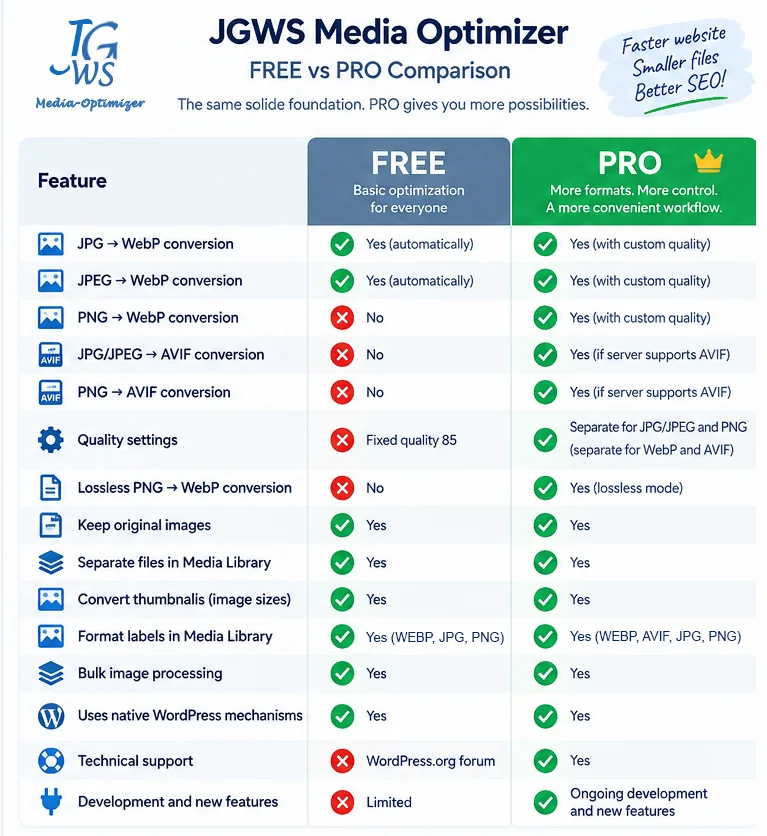
What does PRO offer?
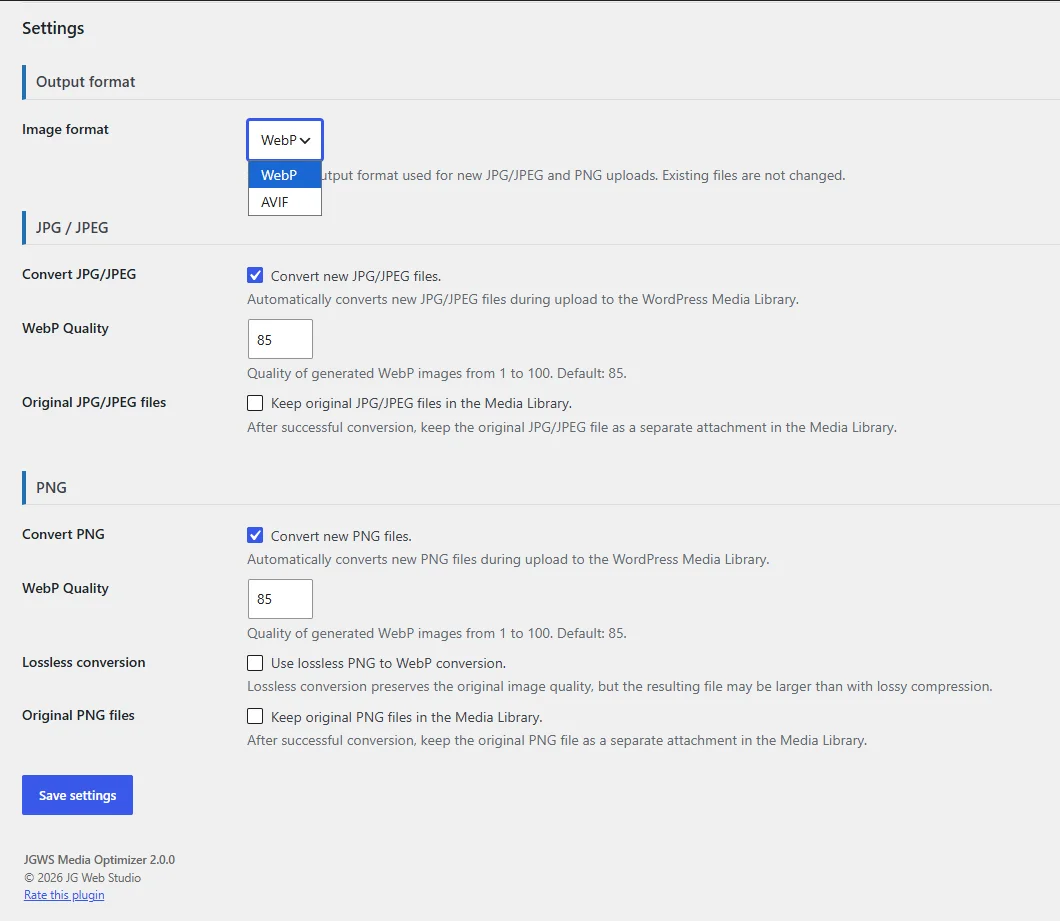
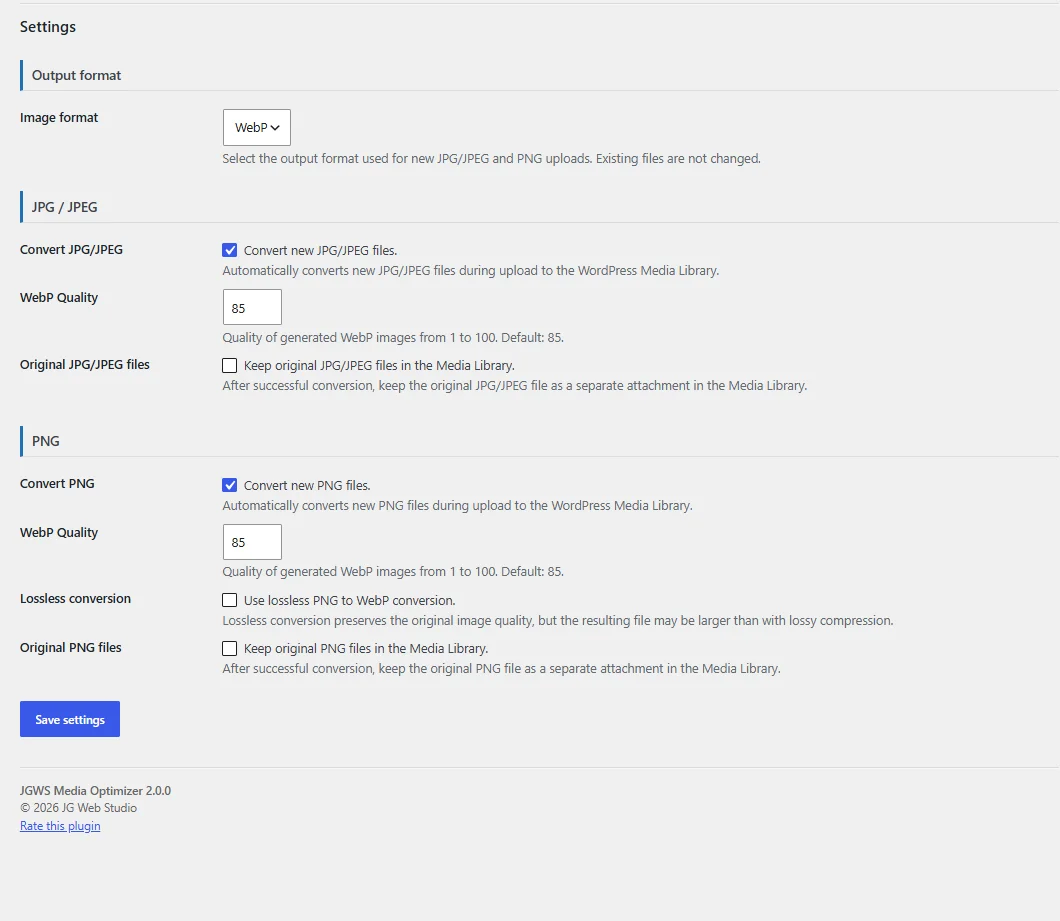
- WebP – custom quality
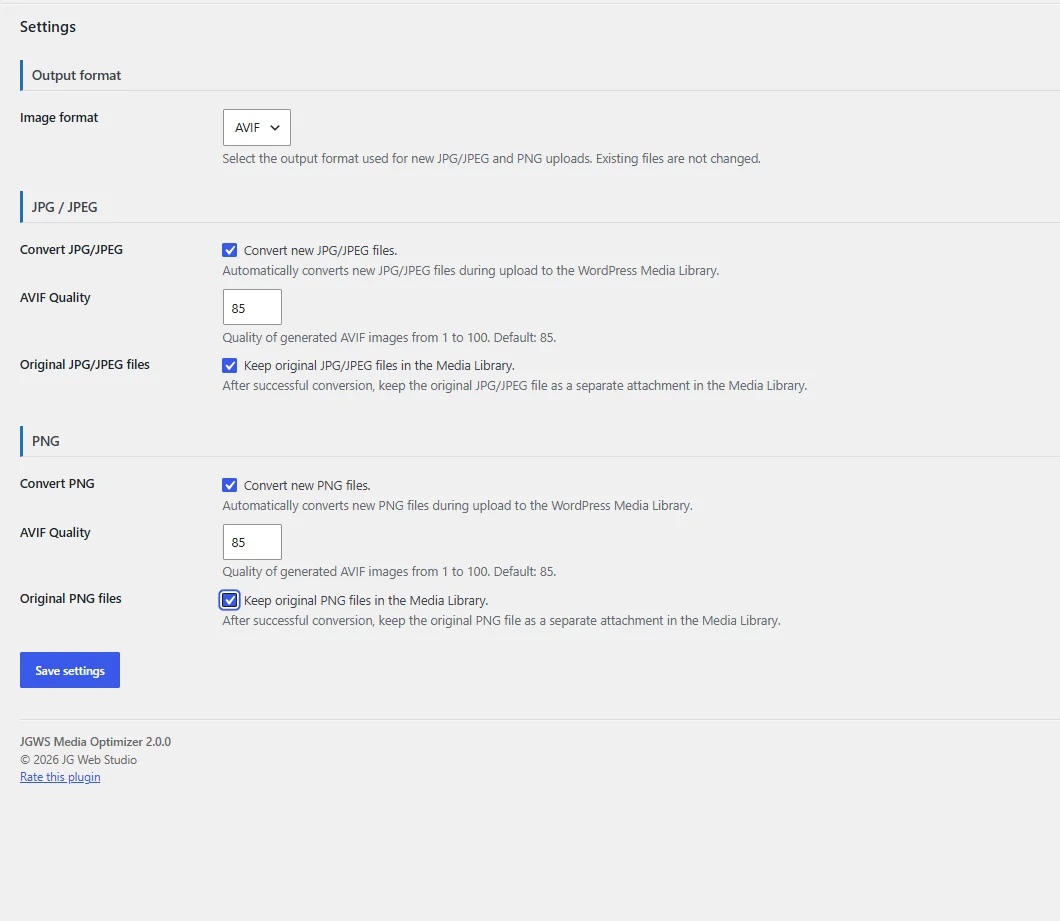
Set the quality of generated WebP files from 1 to 100. - AVIF – custom quality
Set the quality of generated AVIF files from 1 to 100. - PNG → WebP and AVIF
Automatically convert new PNG files to WebP or AVIF. - Independent quality settings
Separate quality settings for JPG/JPEG and PNG, and for WebP and AVIF. - Lossless PNG to WebP conversion
Convert PNG files to WebP using lossless mode without loss of image quality. - Preserve original files
Preserved originals are added to the Media Library as separate files. - File format labels in the Media Library
Clear JPG, WEBP, PNG and AVIF labels make it easy to identify the file format. - Enable and Disable JPG/JPEG and PNG Conversion
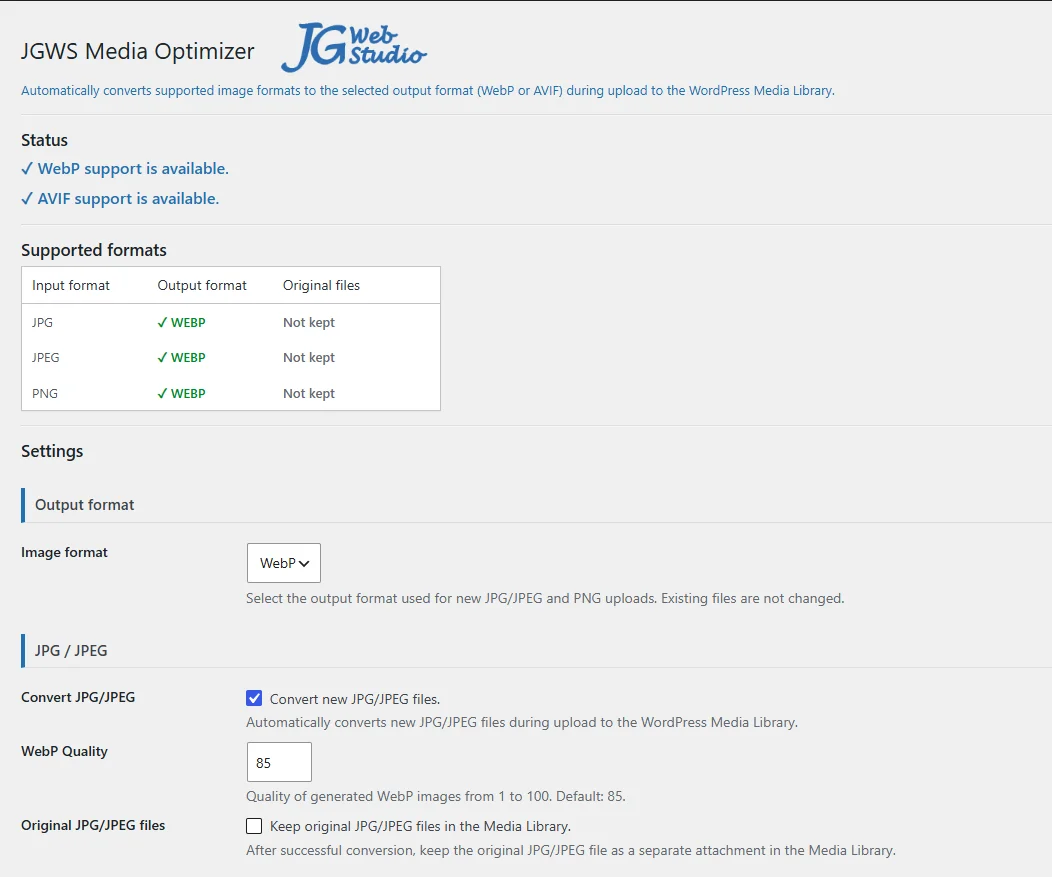
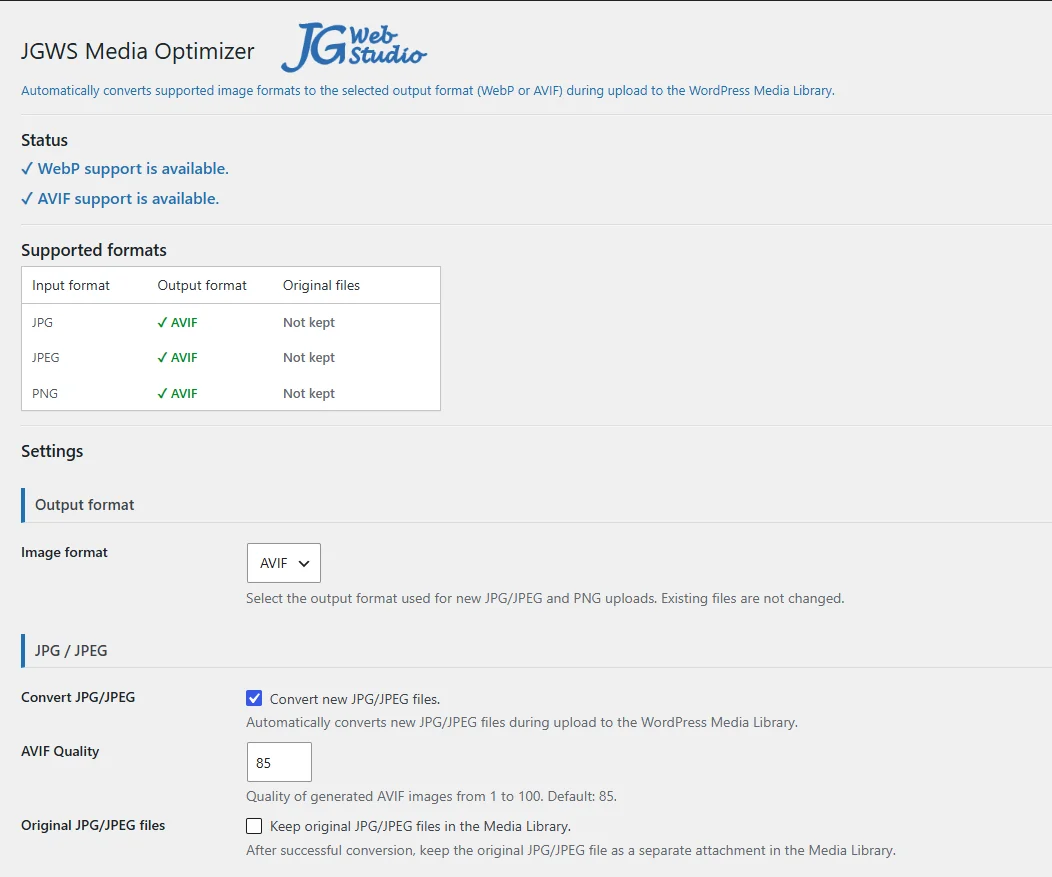
Ability to independently enable or disable automatic conversion for each of these formats. When conversion is disabled, new files of the selected format remain in their original format. - Conversion of images from external sources, e.g. Pexels
View screenshots
How does it work?
- Upload an image to the Media Library.
- WordPress processes the image and creates the required sizes.
- The FREE version automatically converts supported JPG and JPEG images to WebP.
- The PRO version additionally allows JPG/JPEG and PNG images to be converted to WebP or AVIF, depending on the selected settings and server capabilities.
- Done.
You don't need to convert images manually or use an external image optimization service.
Who is it for?
JGWS Media Optimizer is suitable for:
- business websites,
- blogs,
- WooCommerce stores,
- client websites,
- websites managed by freelancers and agencies.
Download the free JGWS Media Optimizer FREE and test automatic image conversion to WebP!
Also check out the PRO version, which offers additional formats, greater control over image conversion, and extended Media Library features.